Mr Frog eats bugs
Game DesignerThe Game
Mr.Frog eats bugs is an incremental survivors-like game where you control a frog, eating the bugs that spawn around you and upgrading yourself to get stronger.
The whole game is built around a single click: the first click licks a bug into the frog's mouth, the next one spits it out as a bullet. Some bugs are too dangerous to lick, so the only way to deal with them is to shoot other bugs at them.
Every bug you eat becomes currency for four upgrades that let you survive longer, move faster, reach further and unlock harder waves.
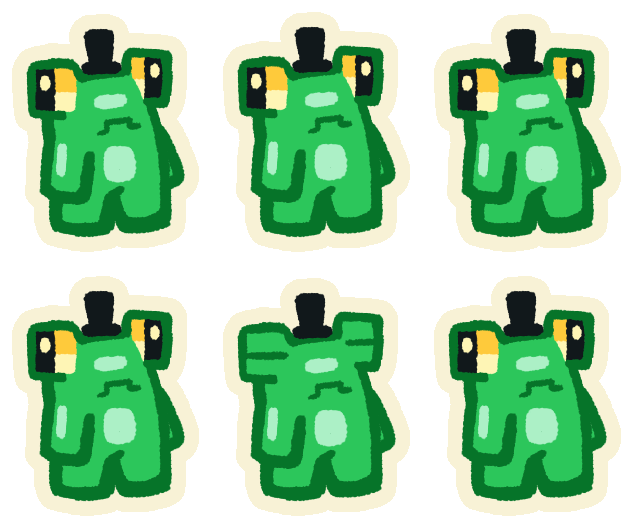
Idle
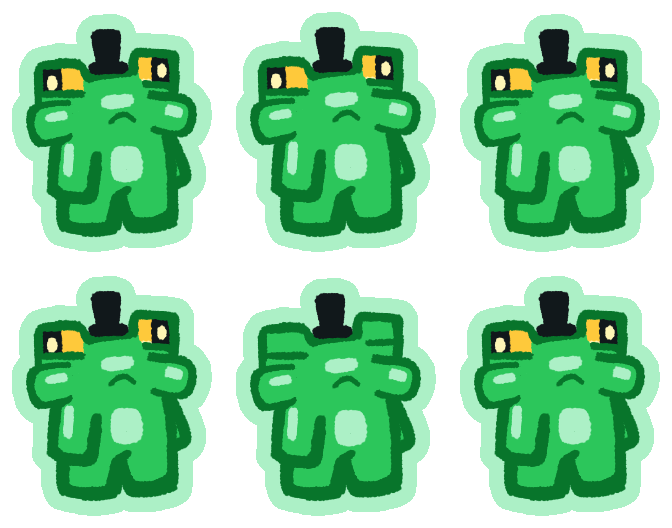
Mouth full
Ready to spit
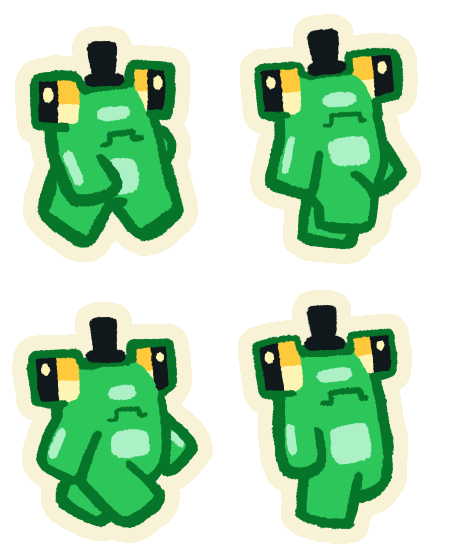
Walking
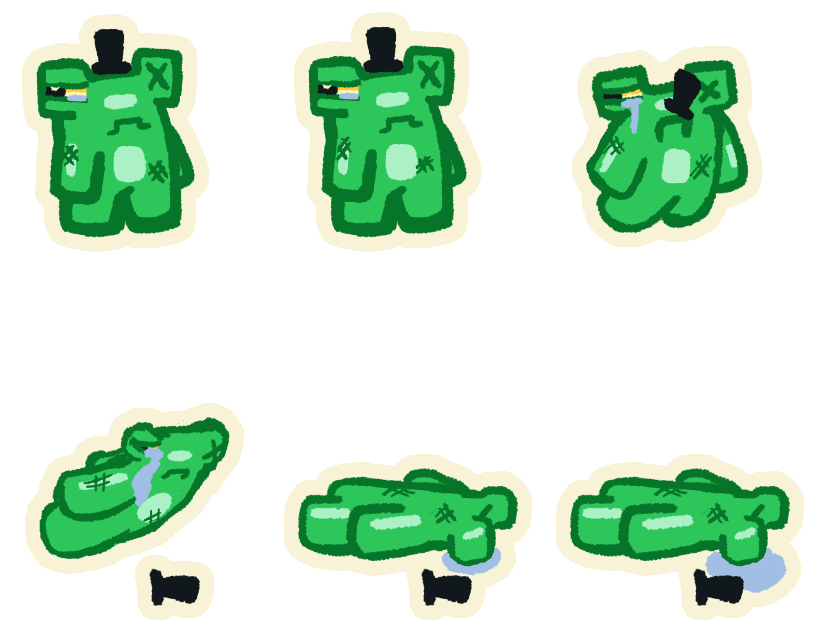
Dying
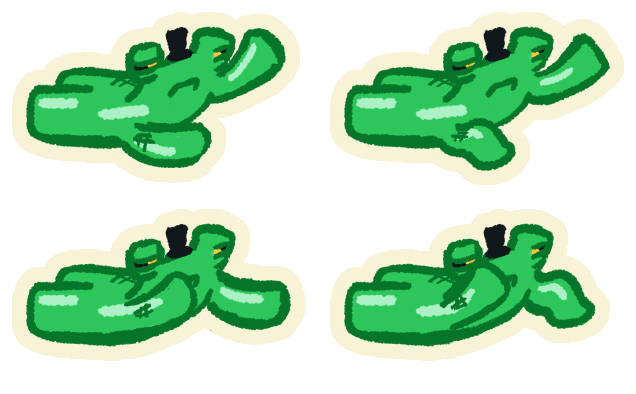
When the frog dies, it crawls back onto the screen, ready to spend what it ate on upgrades and start the next run.
Contribution
Mr.Frog was made in a 3-day jam by a team of seven, with two game designers: me and Davi Figueiredo, who worked on the design together.
- Game concept: the first ideas and how they merged into the final game;
- Enemies: the brainstorm, the shape and color rules and the design of every bug;
- Upgrades: the upgrade system, its costs and its balancing;
- Waves: the enemy mix and spawn interval of each wave, and the wave pool;
- Menus: the menu layouts and the flow between screens;
- Juice and production: the particles and animations plan, and the list of every sound and sprite the team needed.
Inspirations
Mr.Frog mixes a few things we love into something small enough for a jam.
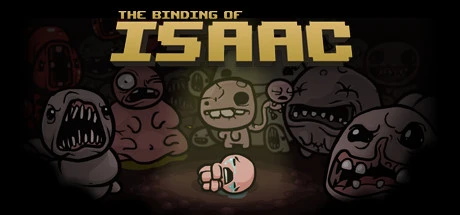
A single top-down room where enemies come at you from every side, with a small character holding its ground in the middle.
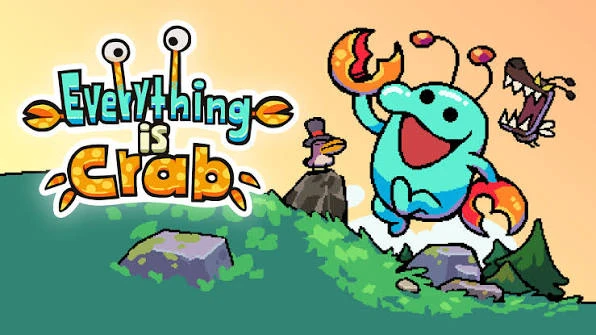
Both gameplay and visuals: a cute critter eating its way up, surrounded by other creatures in a survivors-like pace.
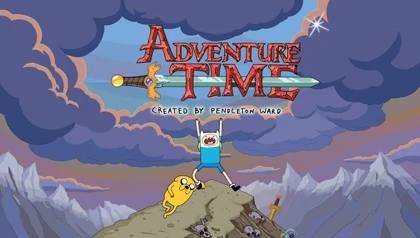
The cute and slightly weird tone, with thick outlines and characters that are funny to look at.
On top of that, survivors-like games in general gave us the loop: waves of enemies, a run that ends when you die, and upgrades between runs.
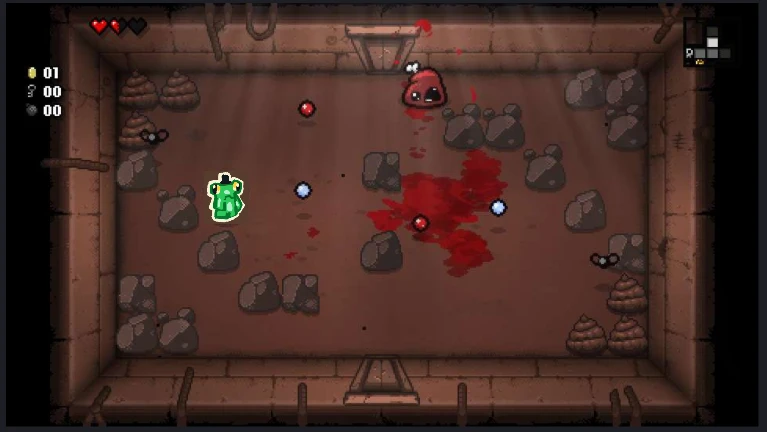
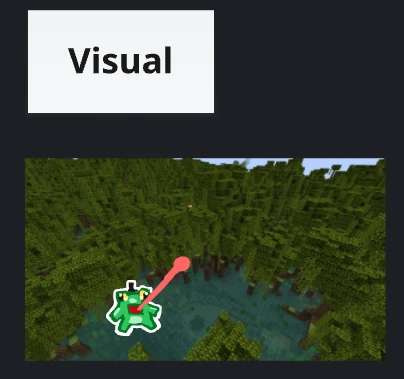
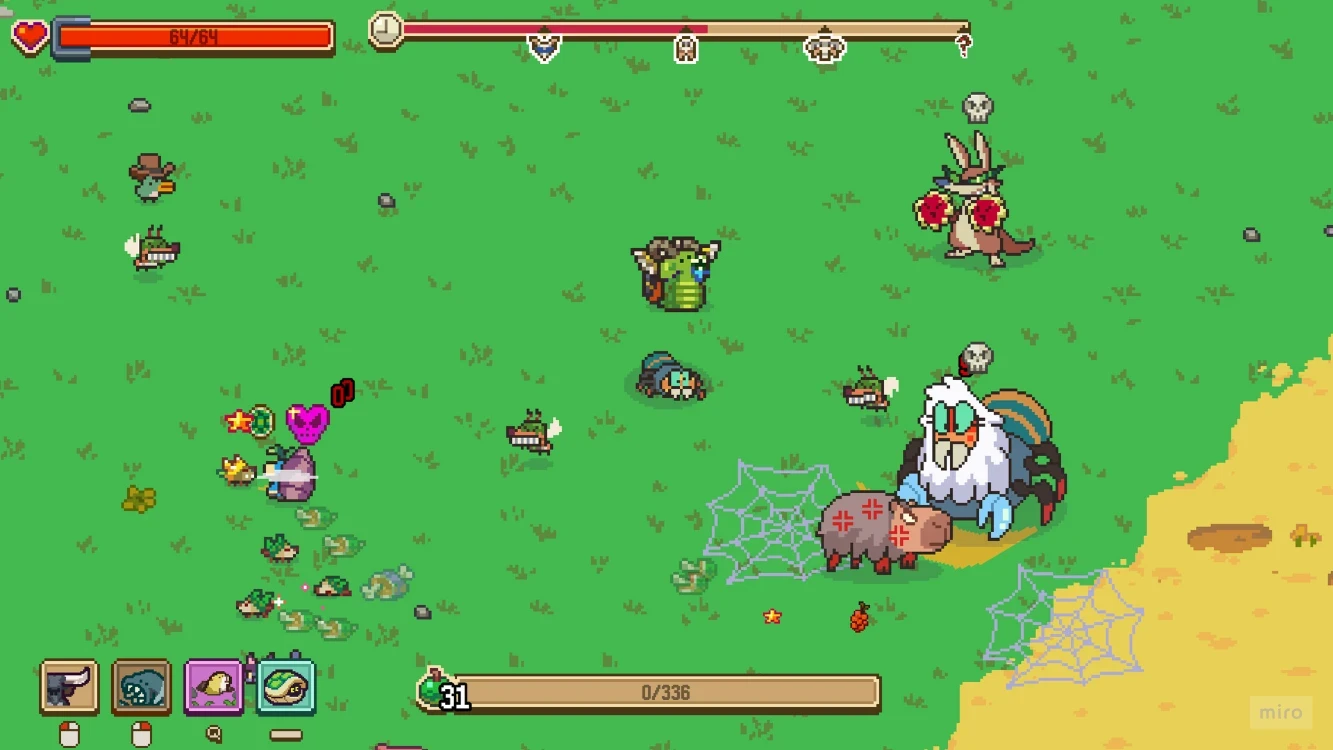
Before any art was drawn, we pasted the frog onto other games to test how it would read in a top-down arena and in a swamp setting:
Two first ideas
The game started as two different ideas, both about a frog eating bugs.
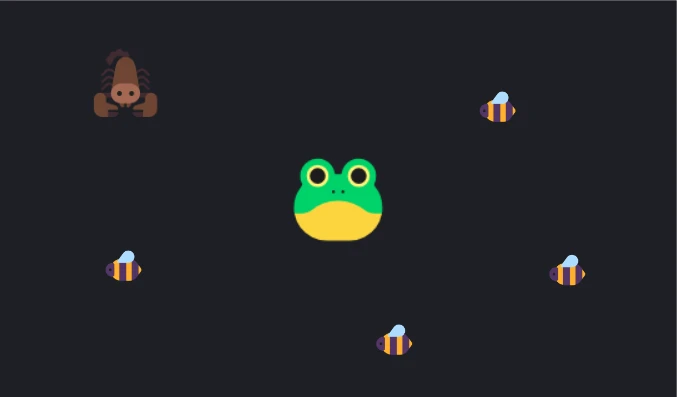
A frog walking around an arena in a survivors-like, surrounded by insects it can eat and things it can't, like the scorpion.
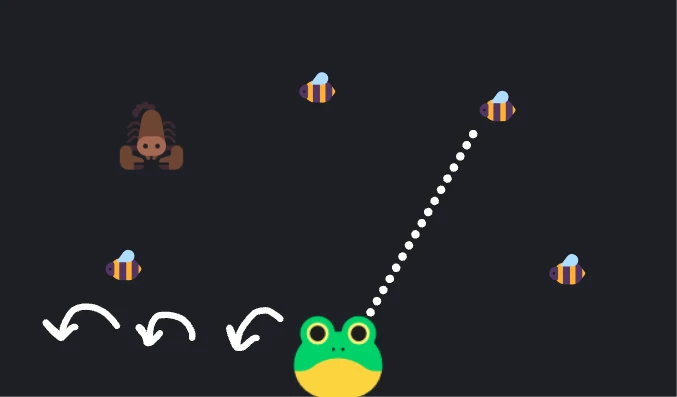
A frog seen from the side that leaps left and right along the bottom of the screen and aims its tongue at targets around it.
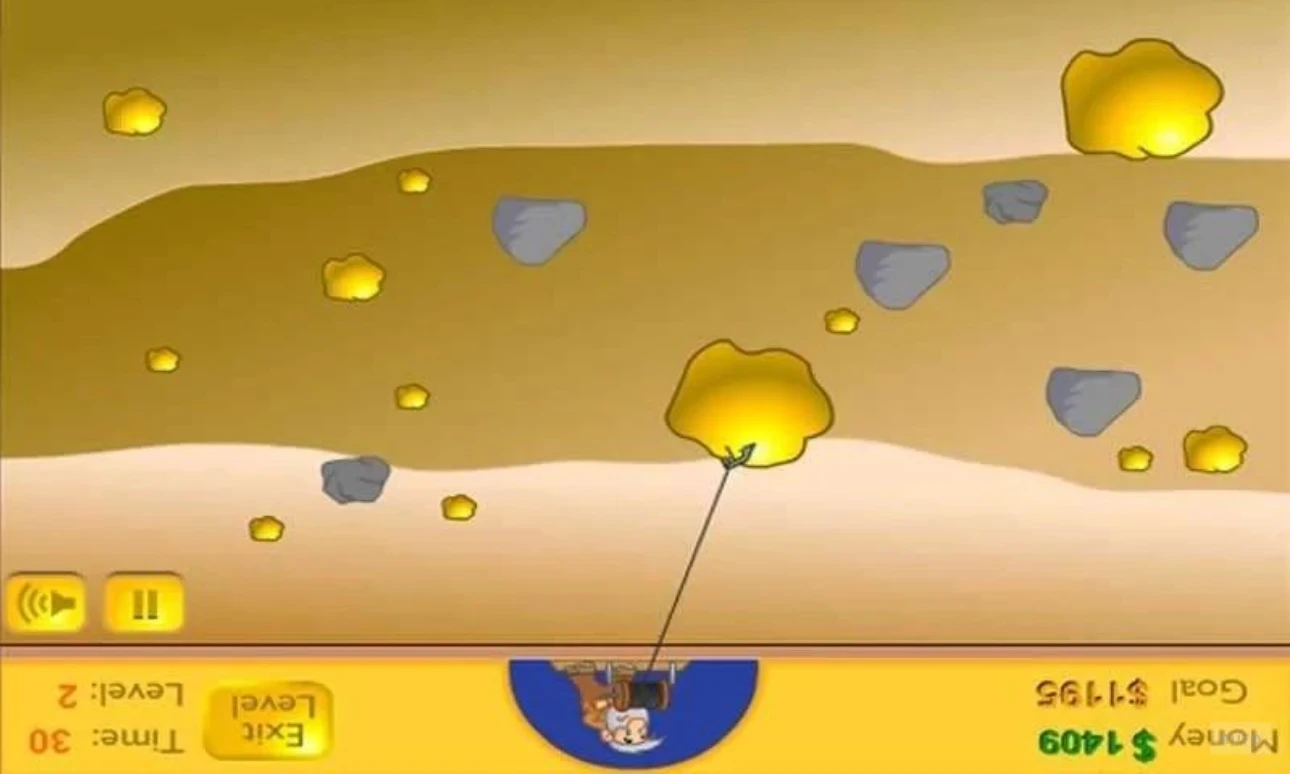
The second idea came from Gold Miner: flip it upside down and the claw swinging down at the gold becomes a tongue shooting up at bugs.
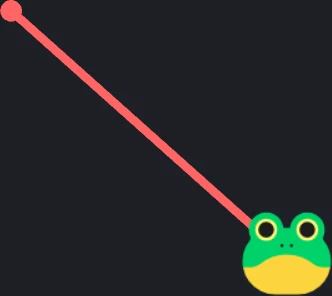
From the first idea, the frog moves freely around the arena; from the second, it licks everything with an aimed tongue.
Brainstorming enemies
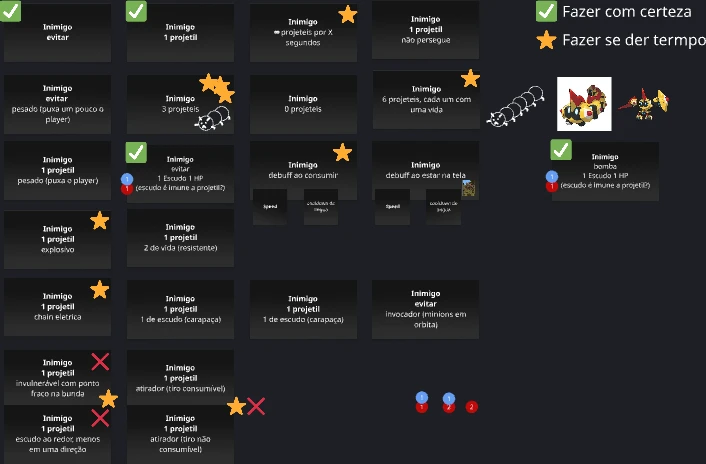
With the core loop decided, the next question was what to lick. We listed enemy ideas by how they interact with the tongue and with projectiles: enemies you have to avoid, enemies worth one projectile or three, enemies with shields, heavy ones that pull the frog, explosive ones, summoners and more.
Each idea was marked as "do for sure" (✔) or "do if there's time" (★), which kept the list honest for a 3-day jam.
Design rules
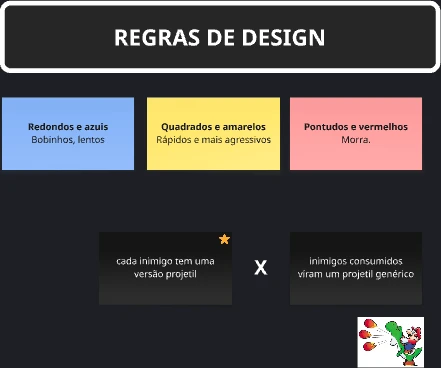
To make every bug readable at a glance, each one follows a shape and color rule:
- Round and blue: slow and harmless;
- Square and yellow: fast and more aggressive;
- Spiky and red: don't lick it. Ever.
There was also a decision about projectiles: should every enemy have its own projectile version, or should every eaten bug become one generic projectile? We went with a projectile for each enemy, so you can always see what you're about to spit. Projectiles spin while they fly.
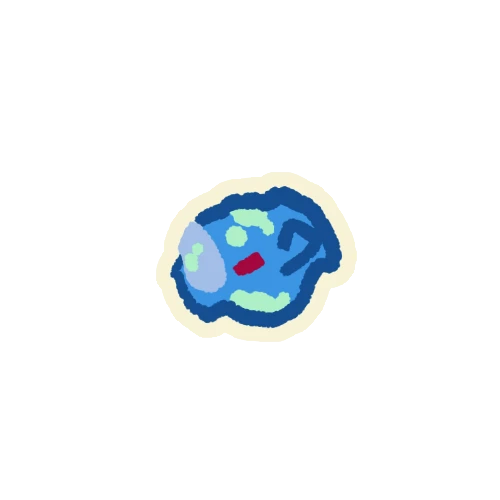
Fly
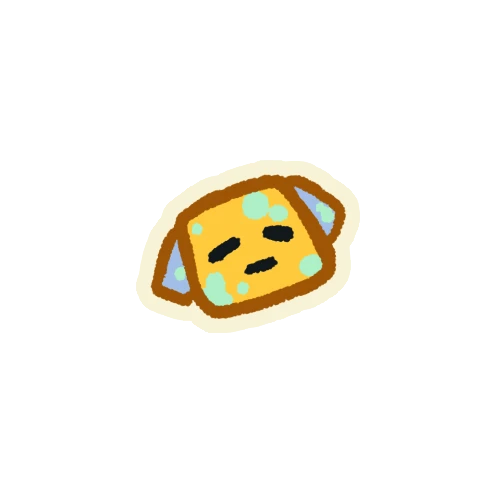
Bee
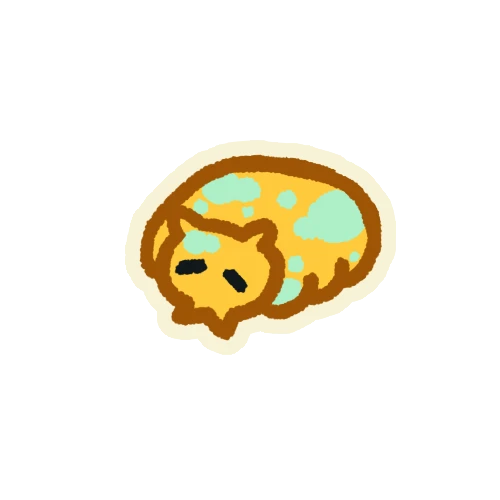
Beetle
Two more projectiles were drawn but left out of the game: the generic one, from the option we didn't pick, and a scorpion one, since the scorpion can't be eaten.
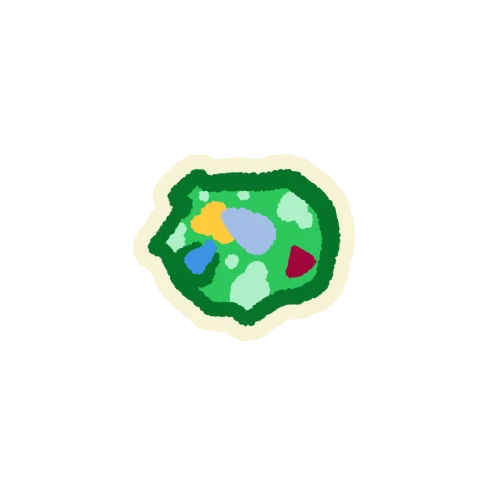
Generic
Unused
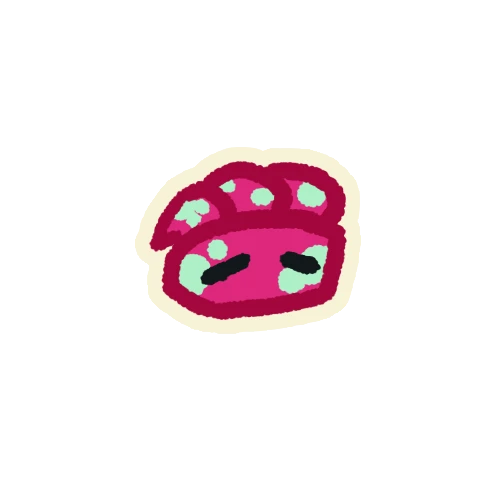
Scorpion
Unused
The bugs
Four bugs made it into the game, each one with its own speed and its own answer to being licked.
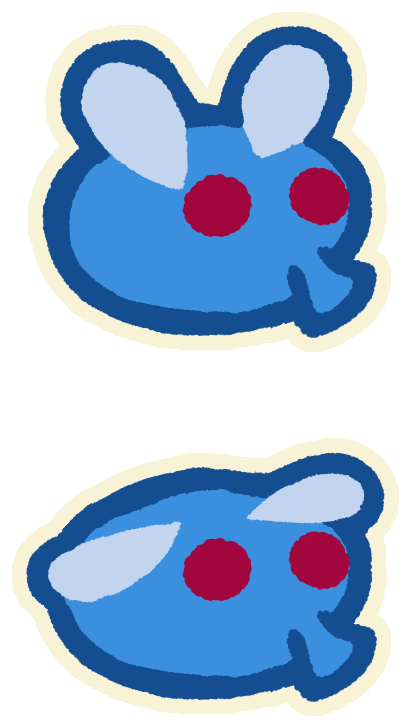
Fly
Slow · Edible
Slow and easy, the perfect snack. Licked into the mouth and spat out in the aimed direction.
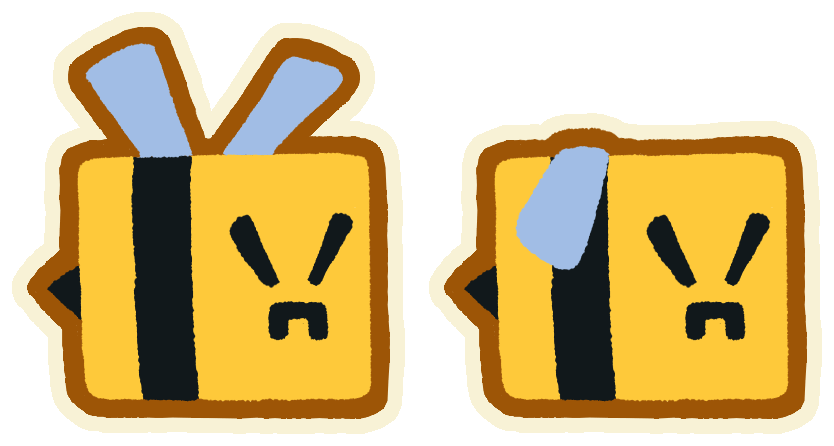
Bee
Fast · Edible
The fastest bug, so eat it before it reaches you. Works just like the fly.
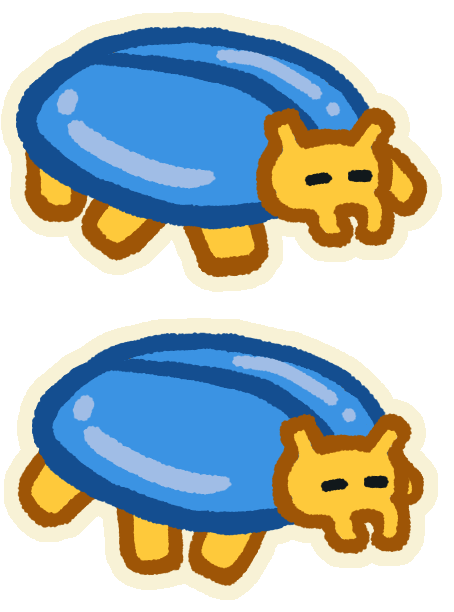
Beetle
Slow · Armored
The first lick cracks its shell, the second one eats it. Projectiles also break the shell before killing it.
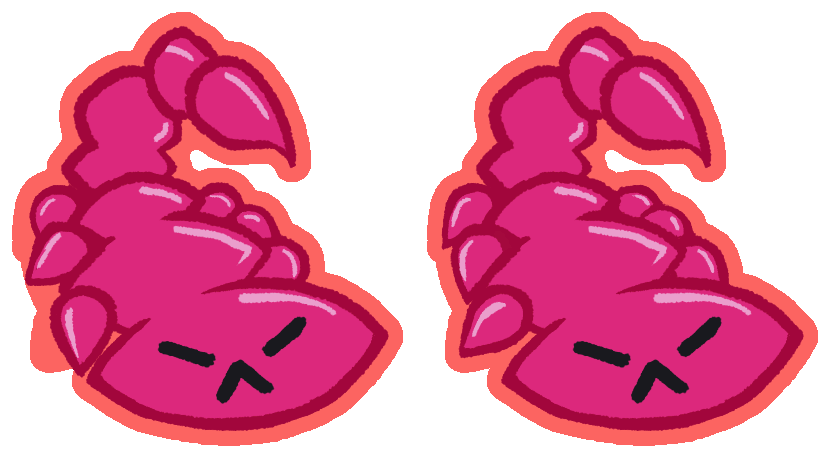
Scorpion
Medium · Dangerous
Can't be licked, the tongue hurts you instead. The red outline warns you to spit other bugs at it.
Every bug hurts the frog on touch and dies when hit. The beetle has a second sprite for after its shell is gone:
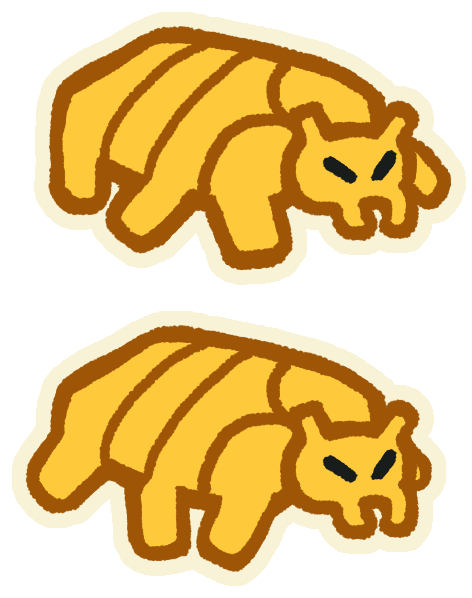
After the first lick or the first projectile, the beetle is one hit away from being eaten.
Each bug was first described in a design card listing what happens when it's licked, spat, touched and damaged, with its health, its speed (the boots) and its value:
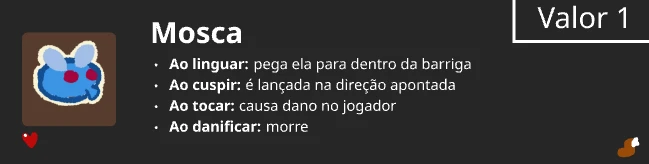
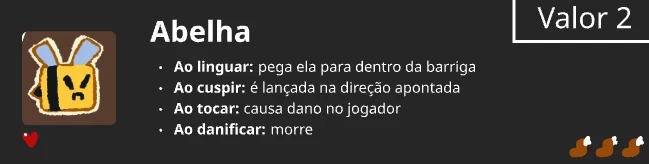
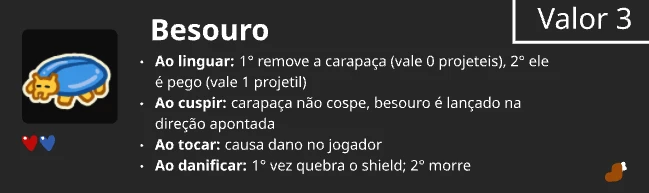
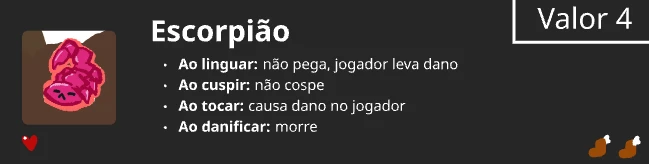
The value in the corner of each card comes from an early plan: every bug would be worth a different amount of a single currency (fly 1, bee 2, beetle 3, scorpion 4). We later dropped it so that each insect works as its own currency.
Cut content
Some designs didn't make it into the jam version:
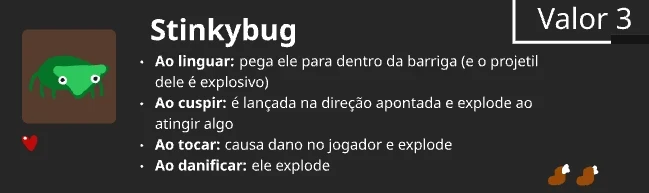
A bug that explodes when spat, touched or damaged, instantly killing every insect around it. Eating it would turn your next shot into an explosive projectile.
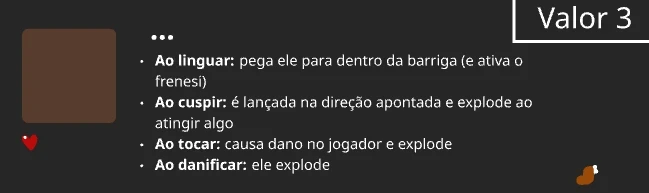
An unnamed bug that would put the frog into a frenzy when eaten. It never got past the idea stage.
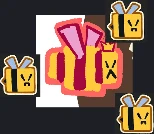
A boss for the end of the game, surrounded by her bees. It was planned but not ready by the end of the jam.
Upgrades
The upgrade system started from Bento Bugs, where you spend what you collect on a shelf of jars, each one leveling up a different stat.
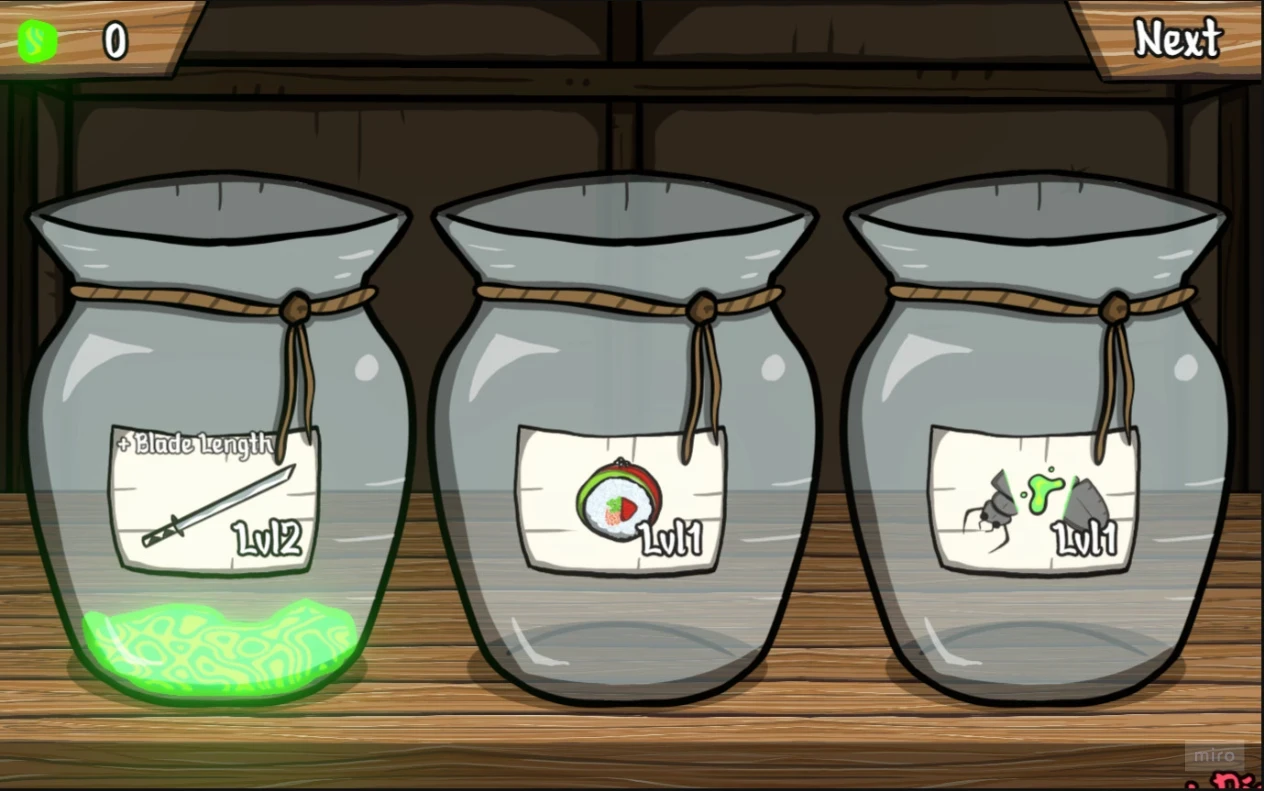
Upgrades shown as jars on a shelf, with their level on the label.
The first ideas for upgrades were three lines priced in coins: one for the tongue (range, tongue speed and hold time), one for health and move speed, and one that multiplied the value of every insect.
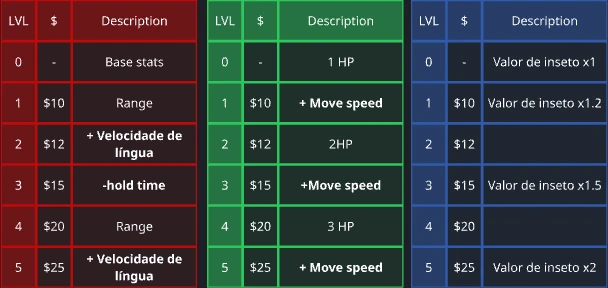
In the final version there are no coins and no insect values: each insect is its own currency, and every upgrade costs a mix of them.

More hearts
2 levels
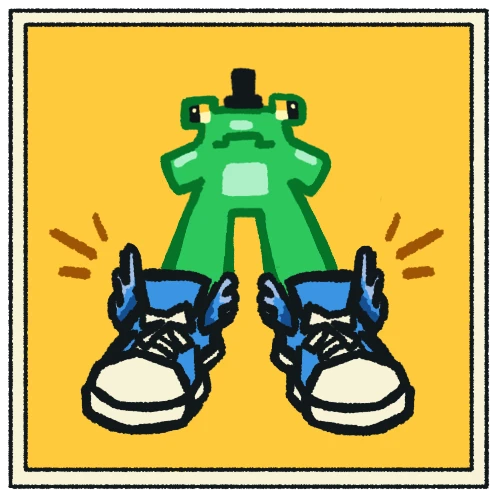
Cool sneakers
8 levels
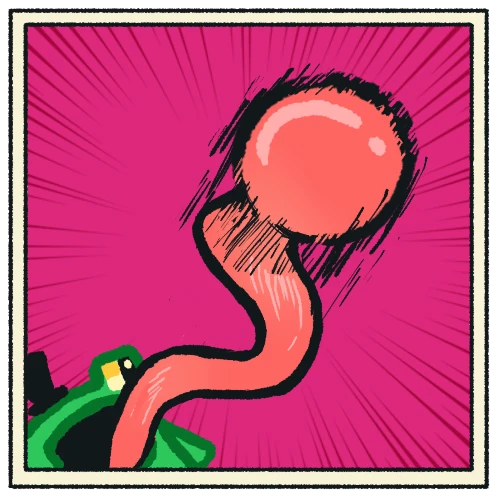
Longer tongue
10 levels
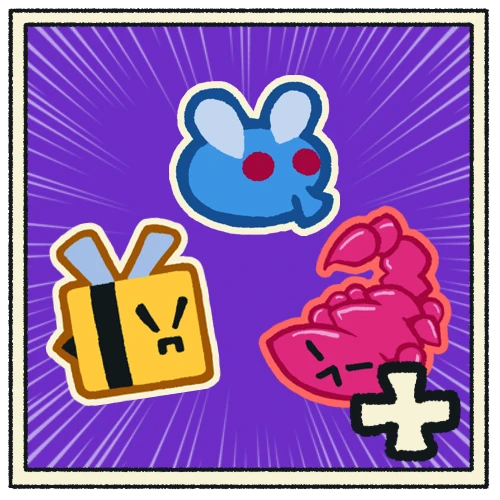
More bugs
7 levels
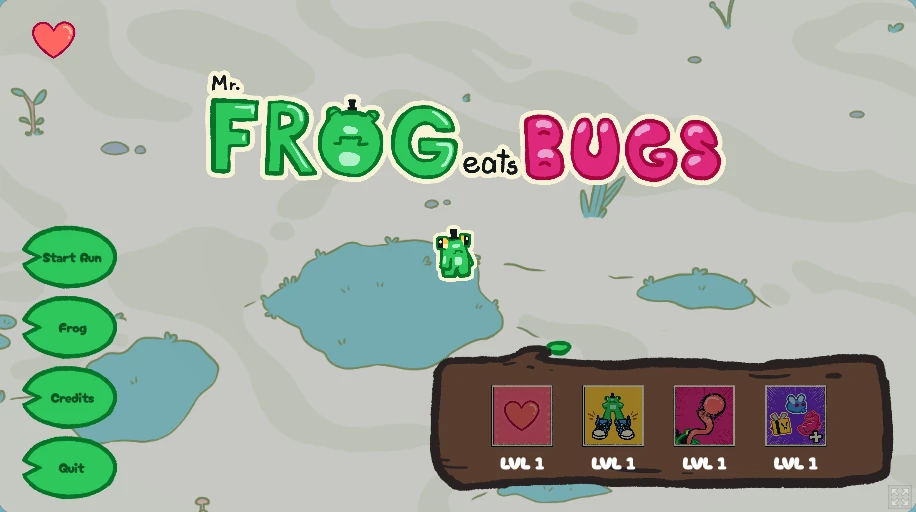
Upgrades live on a log in the title screen. Hovering one shows what the next level does and what it costs.
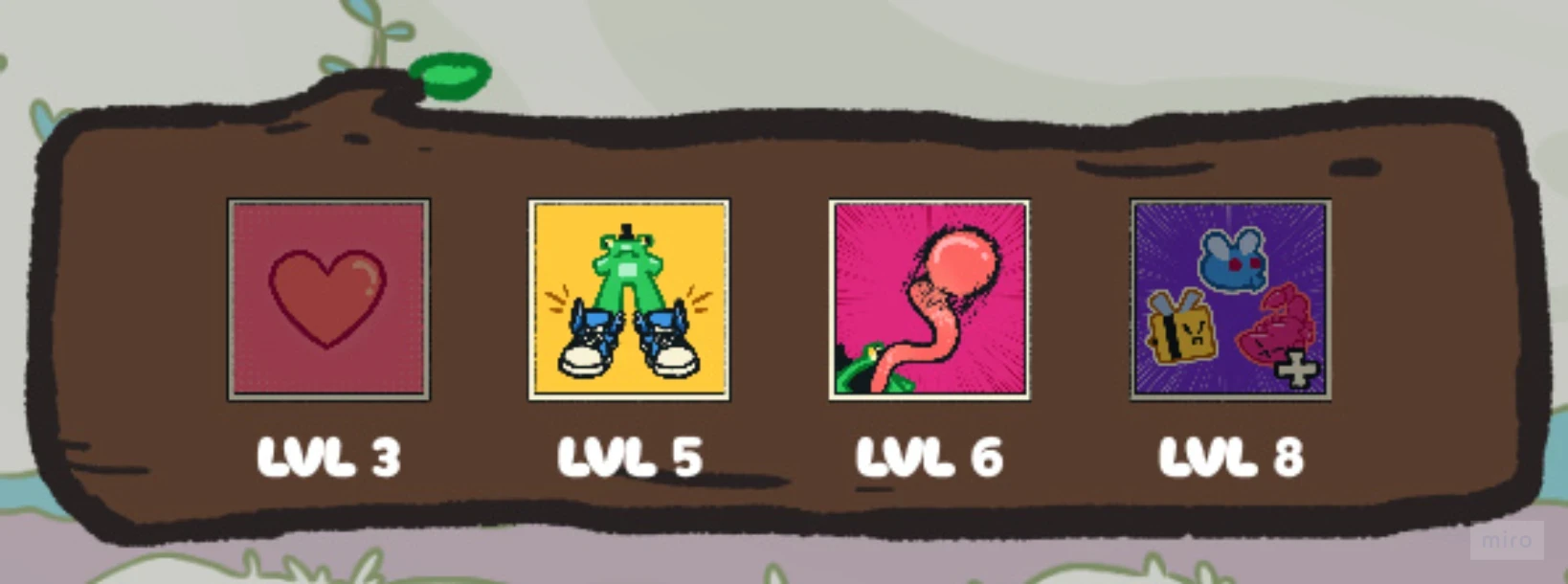
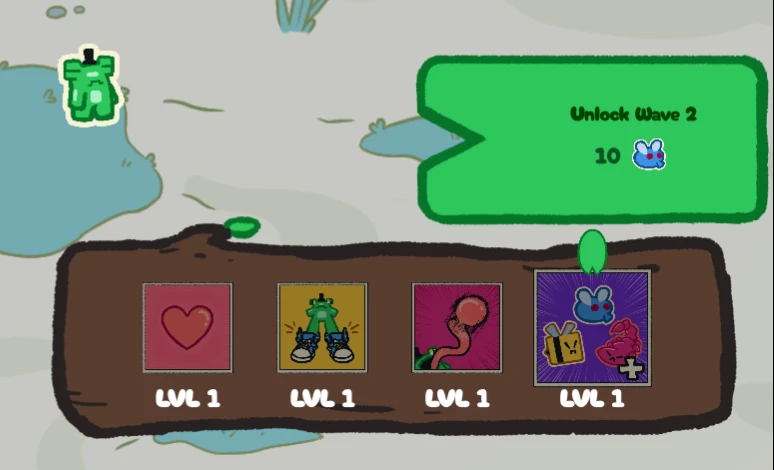
The number of levels of each upgrade comes from the scope we wanted:
- More bugs, 7 levels: eight waves were enough for a jam, and the first one is there from the start;
- More hearts, 2 levels: the frog tops out at 3 hearts;
- Cool sneakers, 8 levels: enough steps for a smooth move speed ramp, up to +200%;
- Longer tongue, 10 levels: it alternates between reach and tongue speed, five levels each, both up to +100%.
The costs follow the waves: prices ask for bugs you can only get after unlocking the waves they appear in, so More bugs paces every other upgrade.
More hearts
| Level | Effect | Cost |
|---|---|---|
| 1 | 1 → 2 HP | 10  9  |
| 2 | 2 → 3 HP | 20 6  4  |
Cool sneakers
| Level | Move speed | Cost |
|---|---|---|
| 1 | +0% → +10% | 3 |
| 2 | +10% → +25% | 7 |
| 3 | +25% → +40% | 10 3 |
| 4 | +40% → +60% | 15 5 |
| 5 | +60% → +80% | 18 10 4 |
| 6 | +80% → +100% | 20 15 6 |
| 7 | +100% → +150% | 20 20 8 |
| 8 | +150% → +200% | 25 9 4 |
Longer tongue
| Level | Effect | Cost |
|---|---|---|
| 1 | Reach +0% → +10% | 4 |
| 2 | Tongue speed +0% → +10% | 8 |
| 3 | Reach +10% → +25% | 11 4 |
| 4 | Tongue speed +10% → +25% | 16 7 |
| 5 | Reach +25% → +50% | 20 10 6 |
| 6 | Tongue speed +25% → +50% | 21 15 8 |
| 7 | Reach +50% → +75% | 22 20 9 |
| 8 | Tongue speed +50% → +75% | 30 11 6 |
| 9 | Reach +75% → +100% | 35 11 8 |
| 10 | Tongue speed +75% → +100% | 40 13 10 |
More bugs
| Level | Wave pool | Cost |
|---|---|---|
| 1 | Waves 1–2 | 10 |
| 2 | Waves 1–3 | 15 |
| 3 | Waves 1–4 | 20 8 |
| 4 | Waves 2–5 | 25 15 |
| 5 | Waves 3–6 | 30 17 9 |
| 6 | Waves 4–7 | 20 15 |
| 7 | Waves 5–8 | 50 15 8 |
Waves
The game has eight waves, each with its own mix of bugs and a spawn interval that goes from 1.5 seconds in the first wave down to 0.5 seconds in the last one. Flies fill the early waves, bees and scorpions take over the middle, and beetles arrive at the end.
A run goes through every wave in the pool, in order. The More bugs upgrade adds the next wave to it, but only four waves can be in the pool at the same time: from the fifth one on, unlocking a wave drops the oldest one, so a run goes through waves 2 to 5, then 3 to 6, and so on. That way runs get harder instead of only longer.
Along with the four-wave limit, a choice we made later, while balancing the waves: the whole run uses the spawn interval of the highest wave in the pool. With waves 3 to 6 unlocked, for example, bugs spawn every 0.75 seconds from the very first wave of the run.
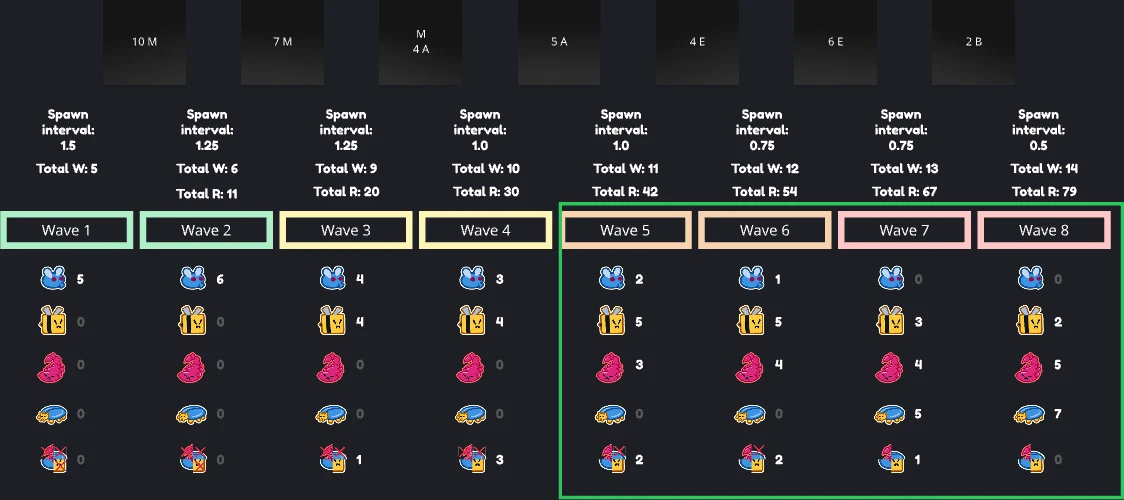
The arena
The arena is a swamp clearing. Bugs spawn just outside the player's screen, so they're always coming in from the edges, and that can be inside the arena or in the area around it. That outer area is a big collider that only the frog can't cross: bugs walk in from there freely.
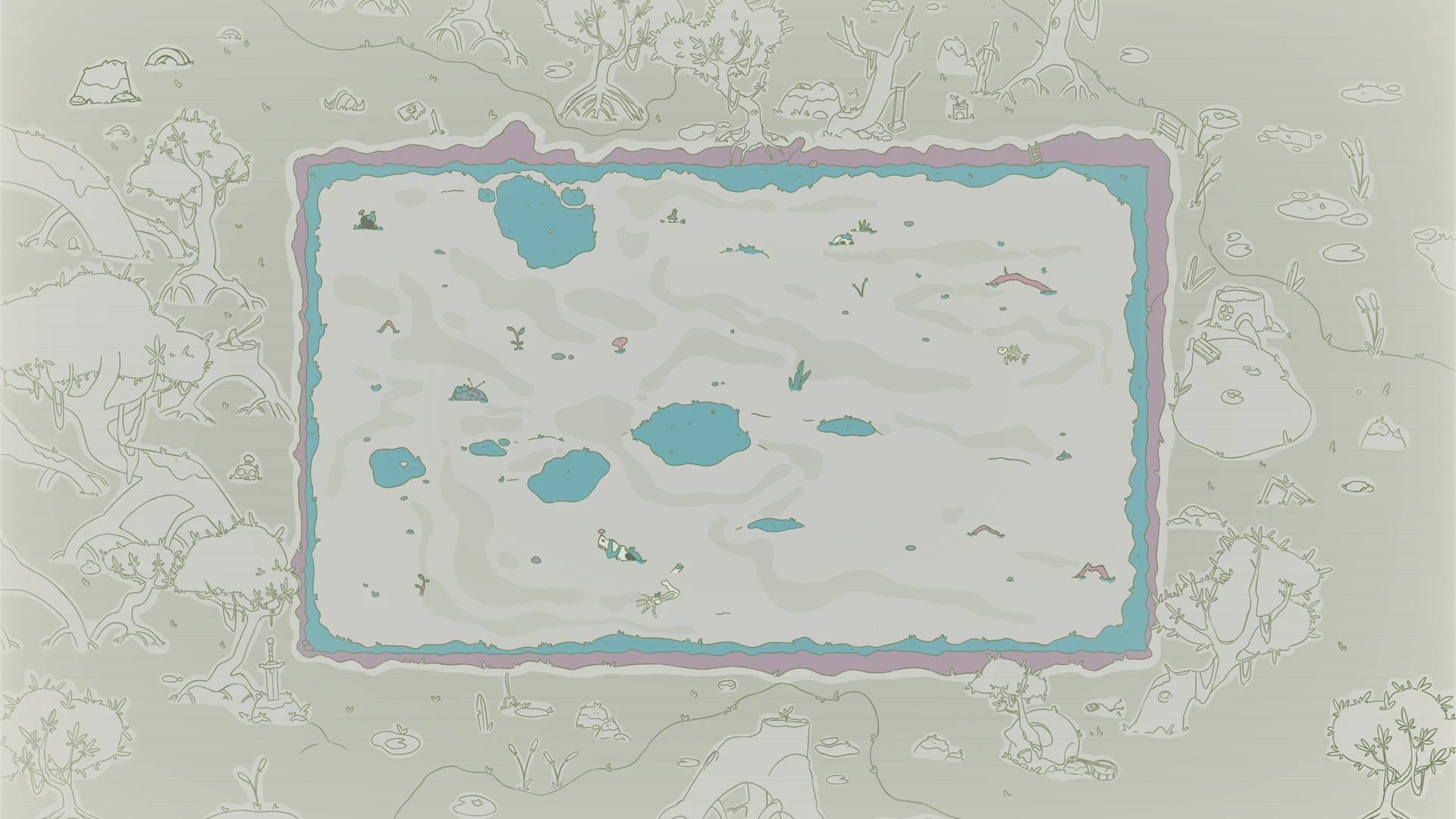
Menus
The menus went through nine layouts before we picked one. Most of them explored where the upgrades should sit and how the player gets from them to a new run. The plan also mapped a flow between screens, with credits and an options screen.
We went with number 8, which puts everything in the title screen, under the game's temporary name, Frongue.
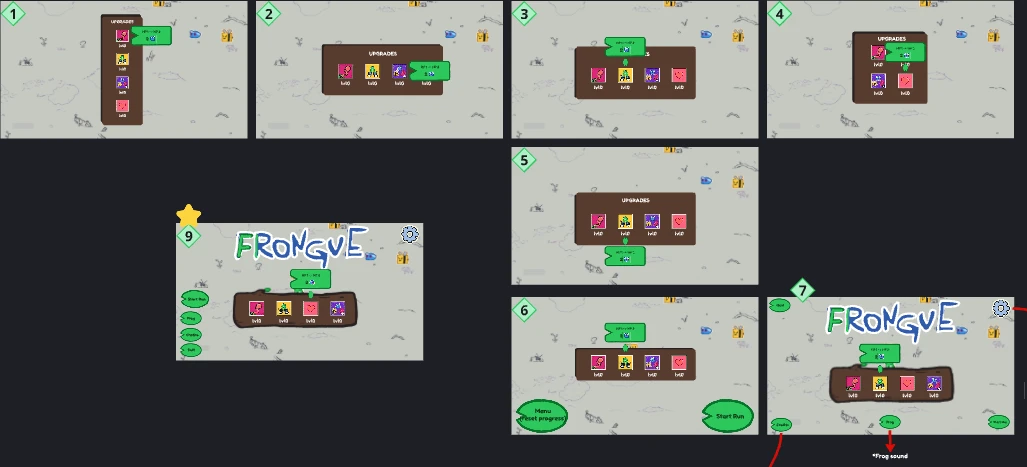
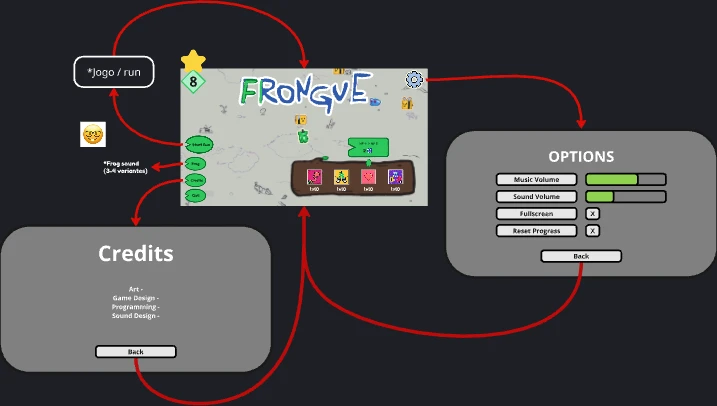
In the jam version, the menu is just this screen: the upgrade log, and buttons to start a run, play a frog sound (with a few variants), see the credits and quit.
Juice and production
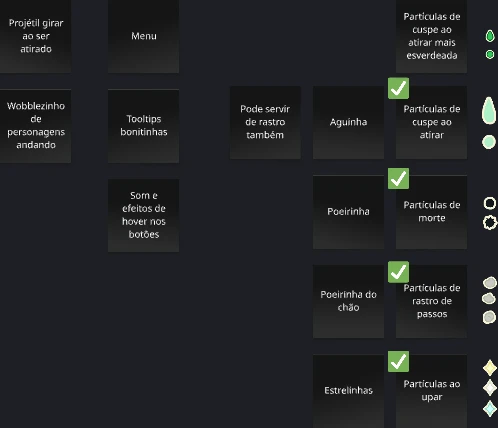
With the core done, a list of juice went on the board: projectiles spinning when shot, a wobble on walking characters, nicer tooltips, and sounds and effects on button hover. Next to it, four particle effects, all of which made it into the game:
- Spit particles when shooting;
- Death puffs when a bug dies;
- Footstep dust behind the frog;
- Stars when buying an upgrade.
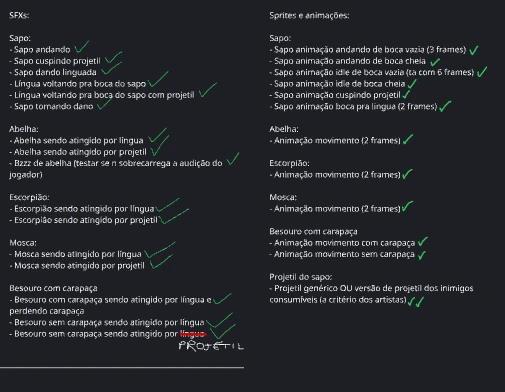
To keep the artists and the sound designer on track, we also listed every sound effect and every animation the game needed, character by character, and checked them off as they came in.
Final considerations
As much as I like the results of this project, I think it deserved focus on some aspects that would make the game experience better. Some of these that ended up not happening because of scope and time, others that we simply forgot or ignored.
One of the things that more than one person gave feedback is that the main menu and upgrade menu should not be the same. This is something that we considered in the menu planning (as this document mentions briefly at topic 12) but never implemented to the final jam version of the game.
Considering more time spent at balancing the upgrade costs and effects as well as enemies that appear on each wave is important as well, as we spent only half of the short development time on that.
Of course, all of this can be implemented on future updates along with ideas that were cut from the final content.